
Panic Button
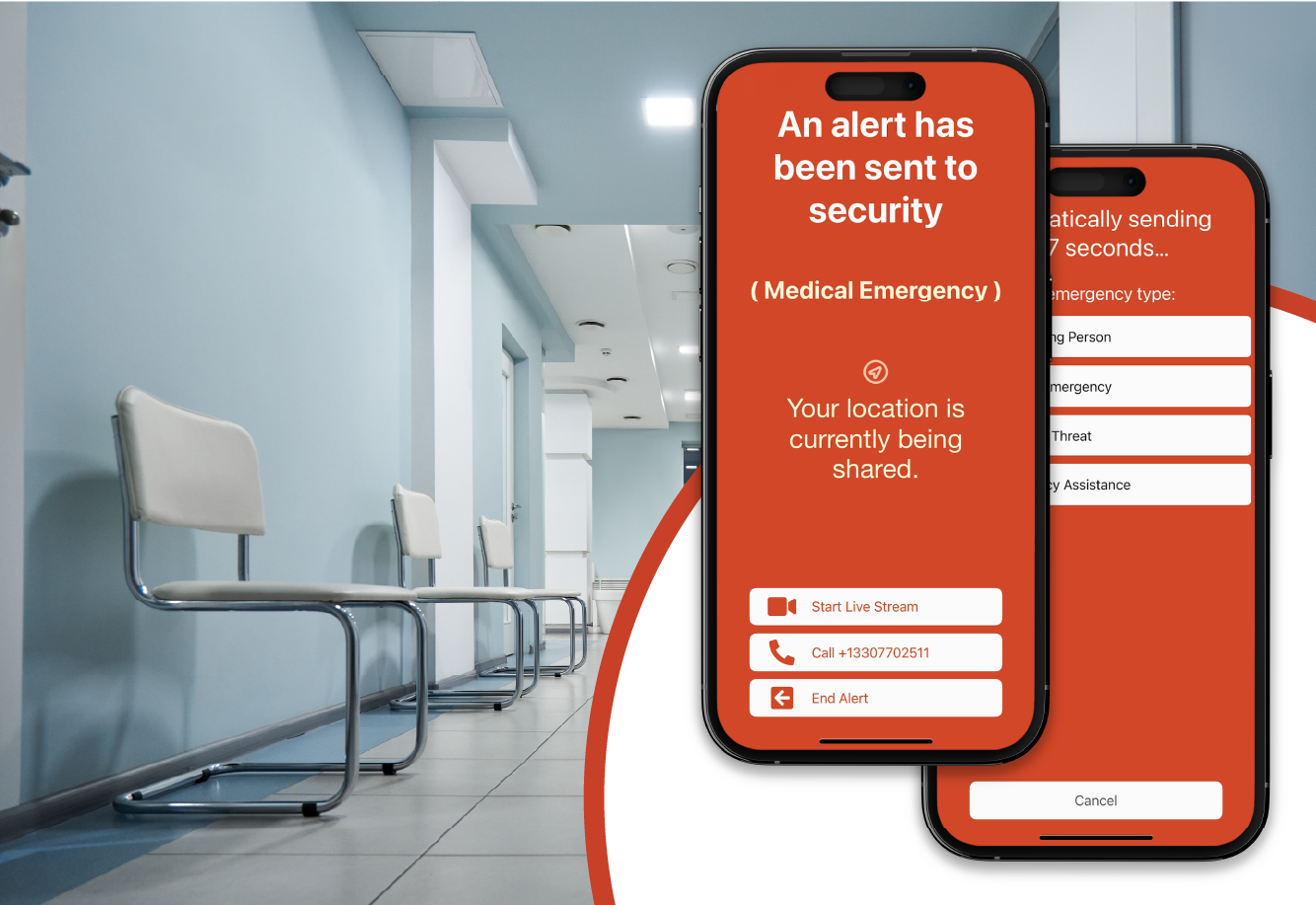
The panic button is a simple sliding bar you can activate from the app, a Lock Screen widget, or your smartwatch. Just swipe to discreetly send an alert during a critical incident, sharing your real-time location with security or emergency responders. You can select an incident type to ensure you receive the best response possible and, after sending the alert, choose to enable audio and video streaming to provide responders with details as the incident evolves.
See Something, Say Something
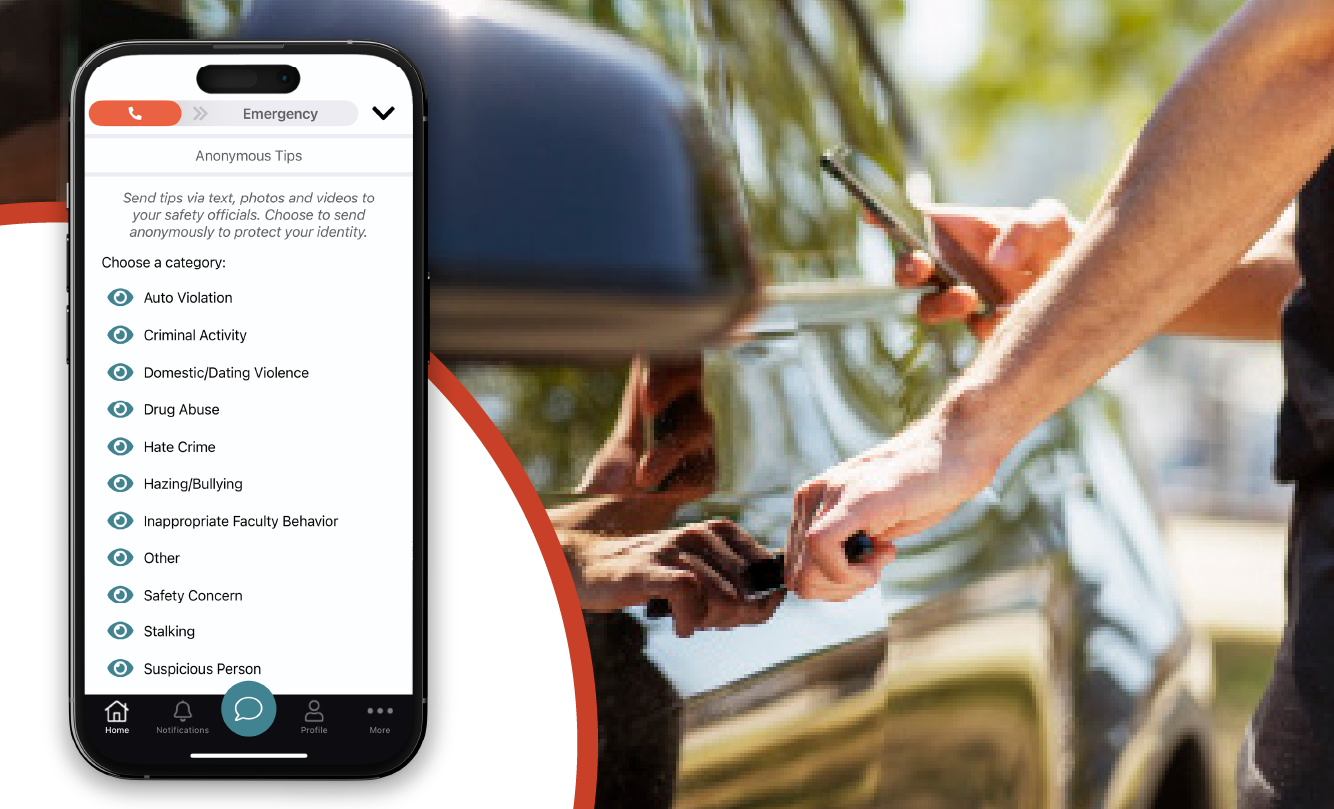
With the See Something, Say Something feature, you can share non-emergency safety concerns, suspicious behavior, or other issues directly with your administrators or safety response teams. You can even submit tips anonymously. Tips can include images, videos, a description of what’s happening, and your location to help make sure the issue is addressed quickly and appropriately.
Friend Watch
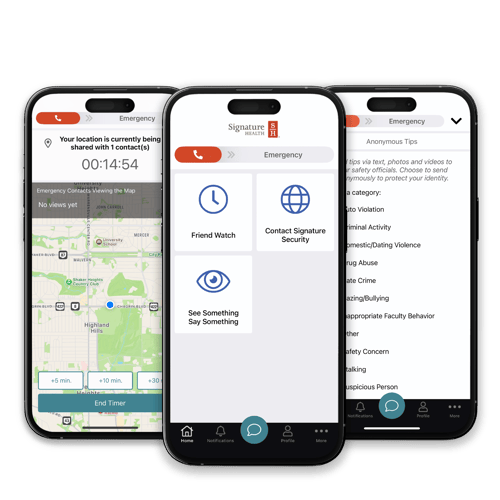
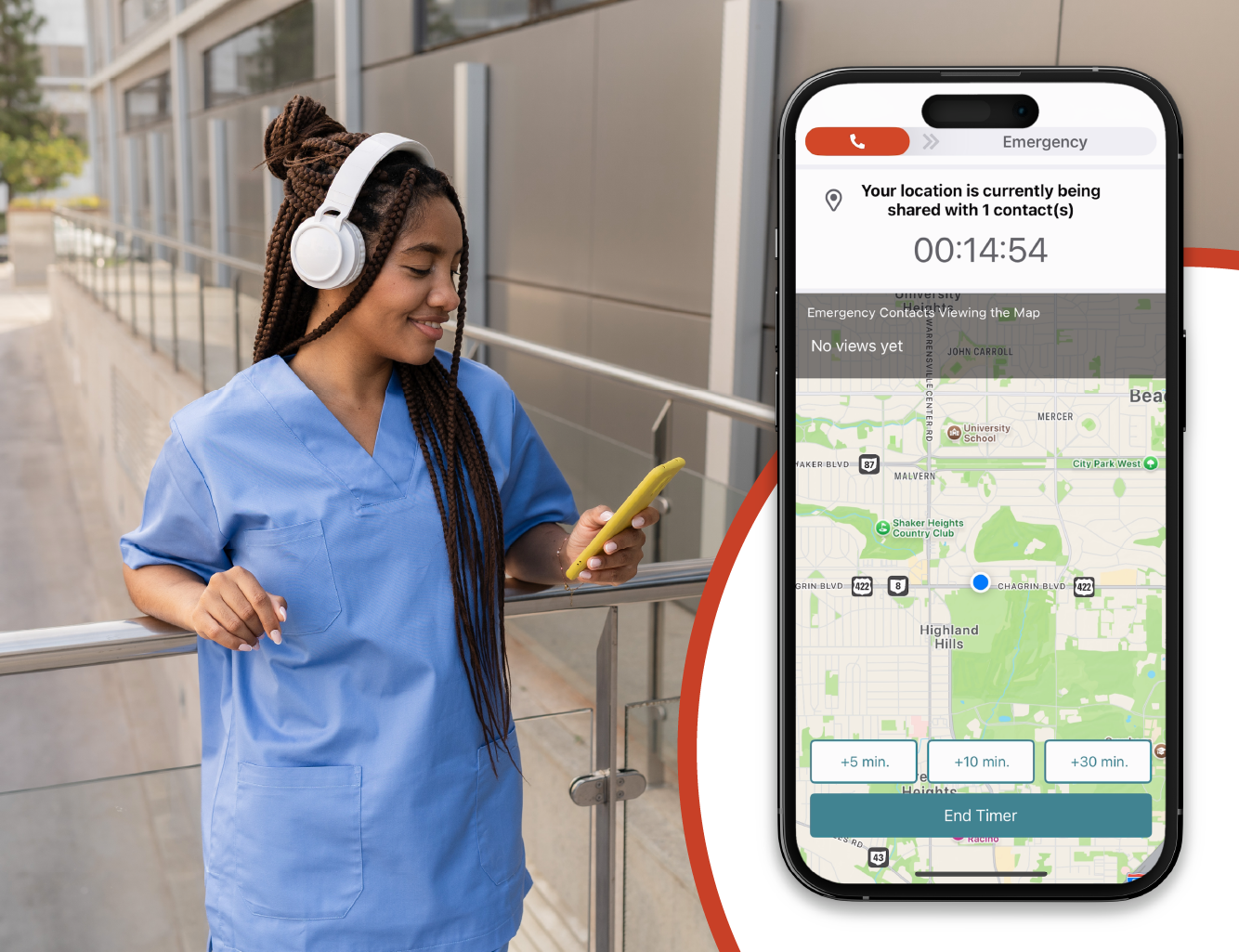
Friend Watch is your personal check-in tool for situations where you feel unsafe or at risk. To use it, click ‘Activate’ in the app, choose who you want to notify and share your location with, and add details about your activity and an estimated duration. While active, your chosen contact can see your location and track your progress. You can add time, end the timer early, or mark yourself as safe at any time. If the timer expires, your contact will be alerted that you may need assistance and will receive your last known location.
Bluetooth Panic Button
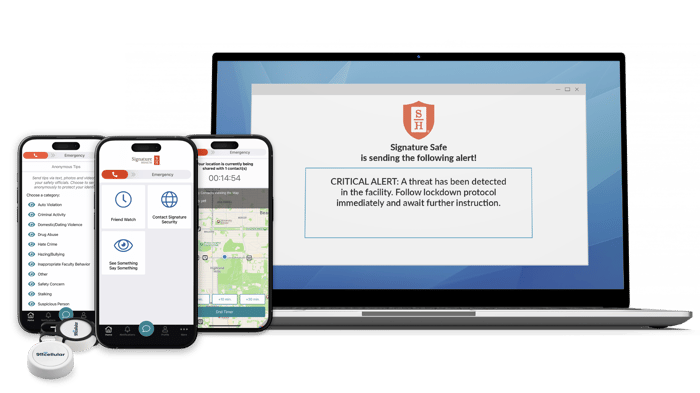
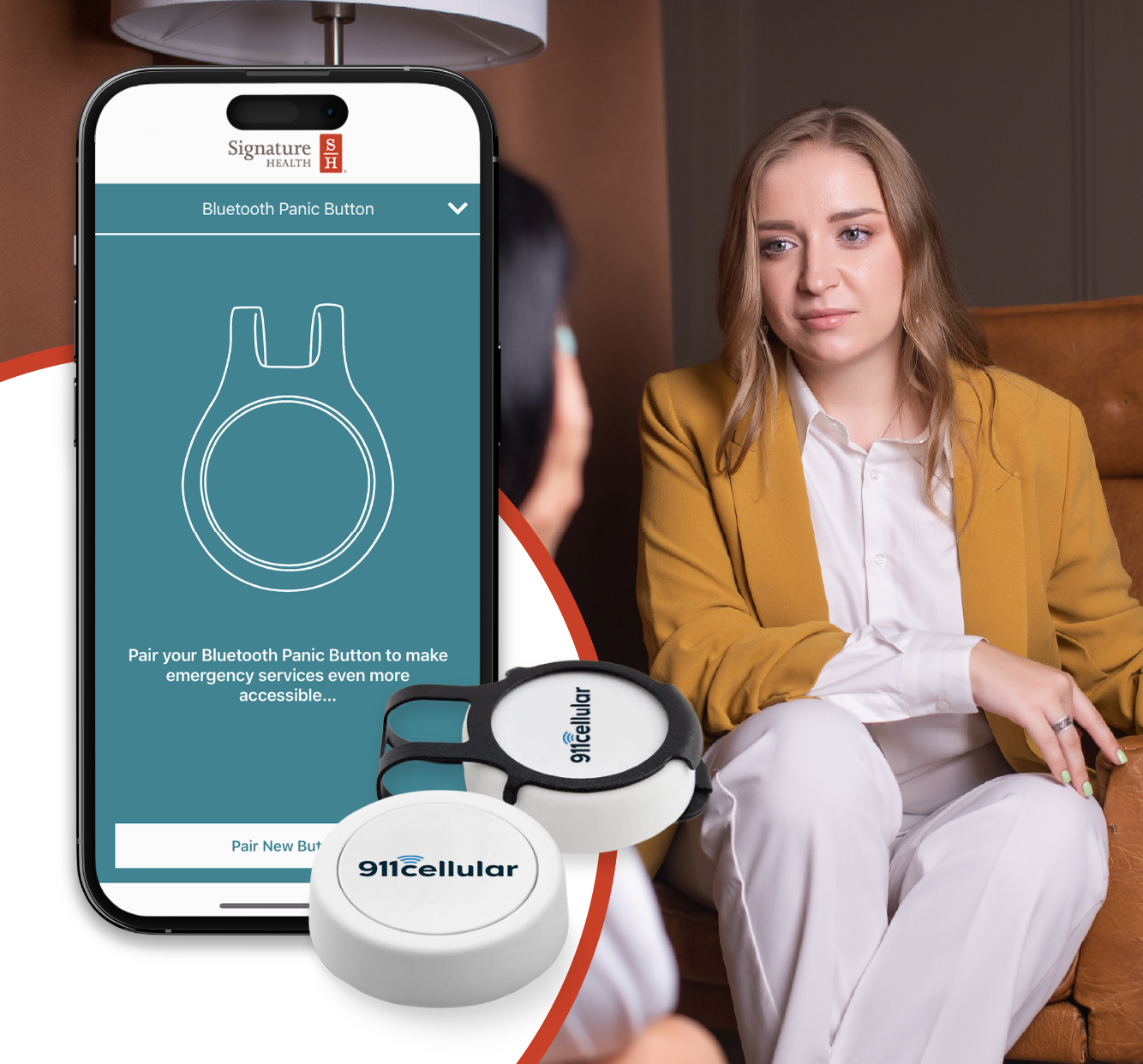
The Bluetooth Panic Button pairs with the Signature Safe app so you can quickly send emergency alerts during an incident—even when your phone isn’t in hand. Just pair your button by going under ‘More’, selecting ‘Manage Bluetooth Panic Buttons’, and following the on-screen prompts. Ensure Bluetooth is enabled in the app, your phone is always nearby, and the app is always running in the background; during an emergency, simply double-click the button to send an alert.
Get Critical Updates Instantly
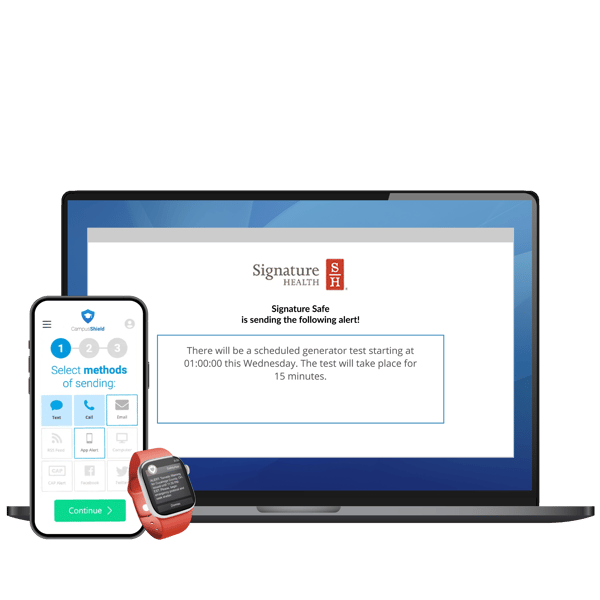
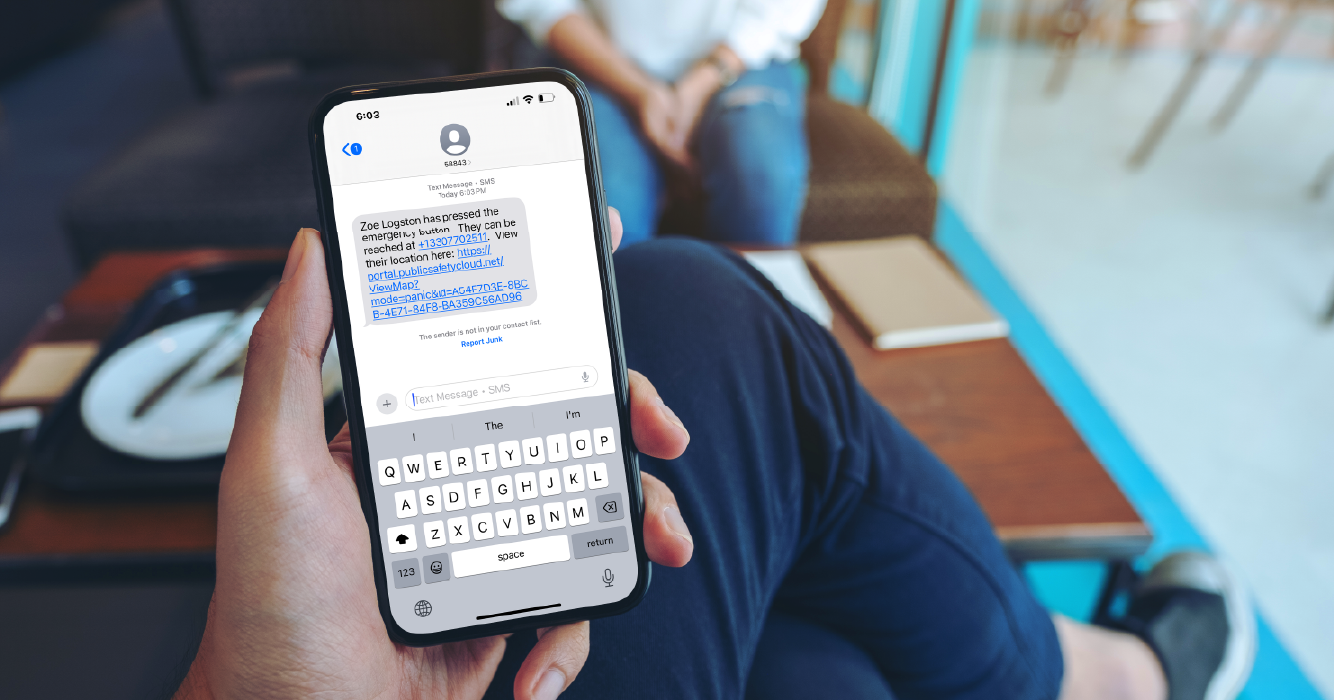
During an emergency, you’ll receive critical alerts by text, voice call, or email with information about what’s happening and how to stay safe. Messages are sent to a select group or thousands of recipients across your entire facility within minutes, making sure everyone stays informed.
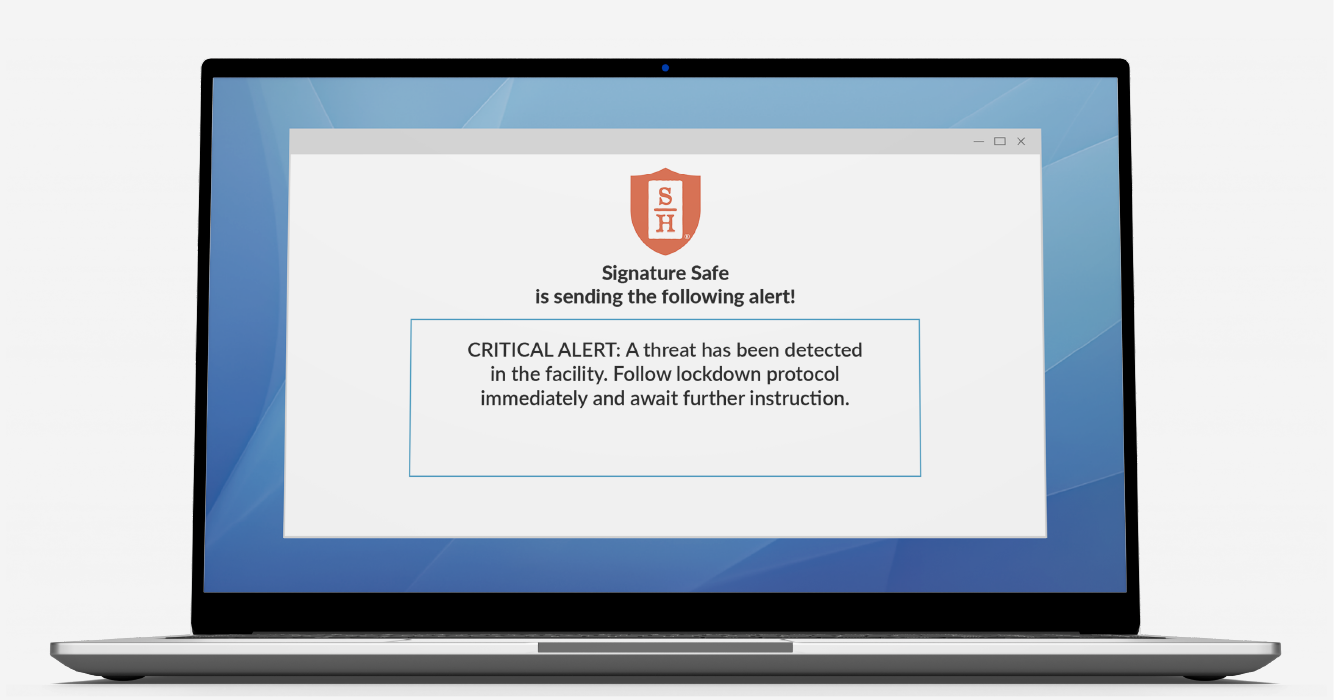
Screen Takeover Alerts
Receive urgent desktop notifications about incidents. This feature lets administrators send important messages directly to your screen so you never miss critical updates. The alert will appear as a large pop up window that can be dismissed once you have read the alert.
Are you SAFE?
During an emergency, administrators can send a prompt to all Signature Safe apps asking, ‘Are you safe?’ You’ll be able to respond by selecting ‘Yes’ or ‘No,’ helping your safety team understand where people are safe and identify areas that may need immediate attention.

Weather Alerts
If severe weather is approaching, you may receive alerts through text, voice call, or email with important updates and instructions, such as tornado warnings, shelter-in-place notices, or local closures. These alerts are sent through the Emergency Notification System to help keep everyone in your facility informed and prepared to act accordingly.